Language · Listening & Shadowing
돌림 · ドリム
Dollim
Shadow real speech, check it with dictation, keep it with review.
Dollim trains listening on real speech, not textbook audio. Pick the stretch you missed, say it back and compare your recording with the original by ear, and fill in the blanks to pin down the word you skipped. Saved lines come back for review on their own, and videos matched to your interests wait in Discover. Works with YouTube links and your own files.
…so I figured I’d just ask him myself.
I was gonna say, it’s not that big of a deal.
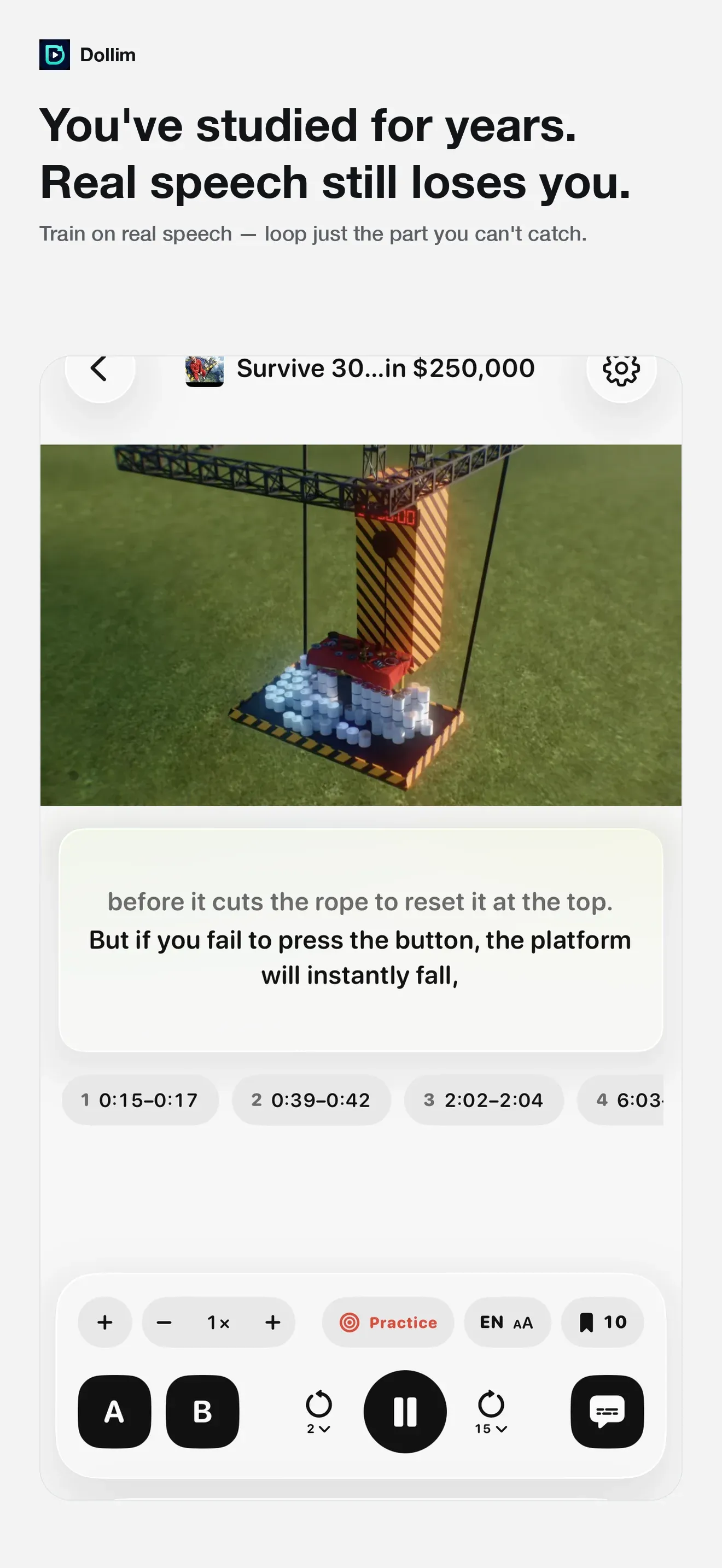
Mark A and B around the part you missed and only that stretch plays, again and again. Slow it to 0.5× and the voice keeps its pitch.
From the App Store listing
Highlights
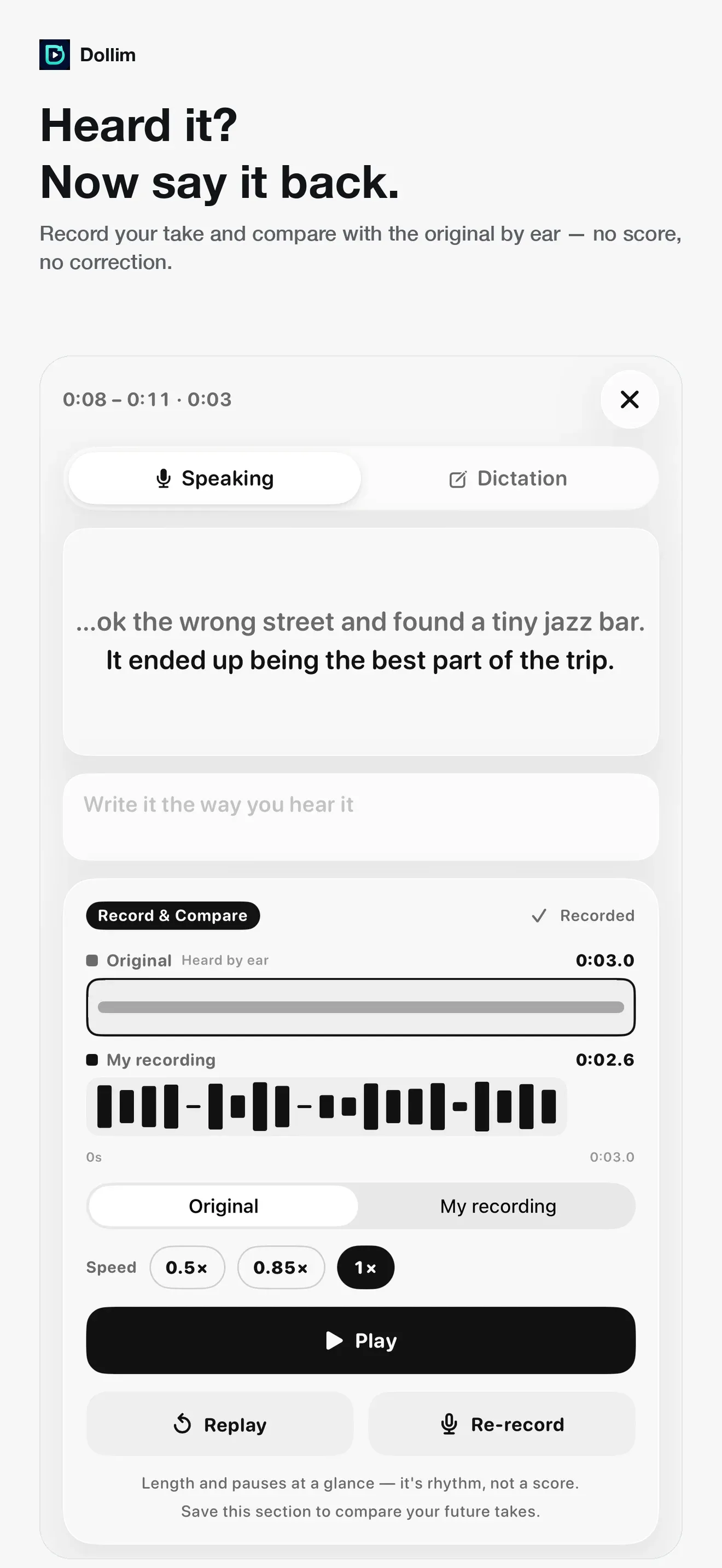
Say it back and compare by ear
Record your own take and play it against the original. No score, no correction — length and pauses sit side by side so you hear the difference yourself.
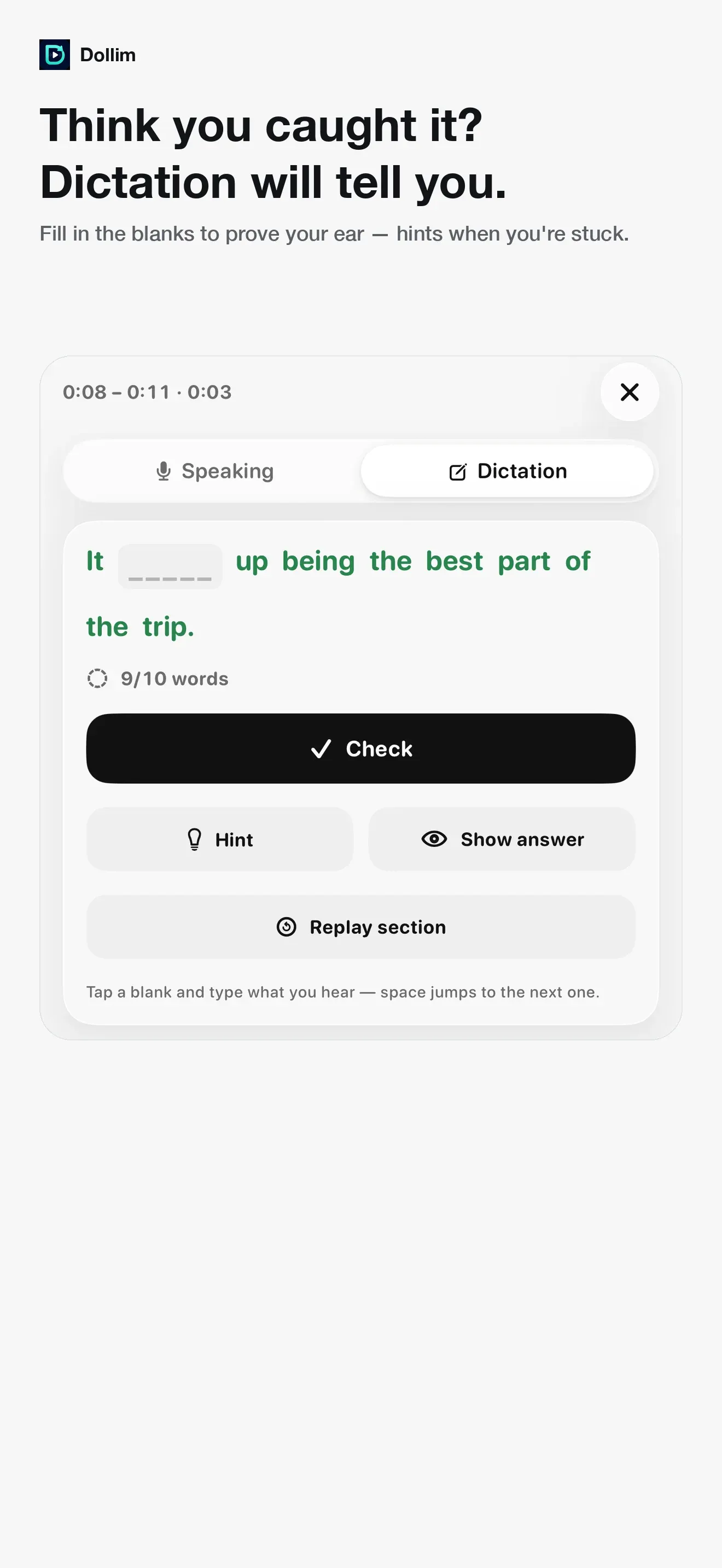
Dictation catches what you only thought you heard
Fill in the blanks of the sentence you thought you caught and the word you actually missed shows up. Staged hints when you are stuck.
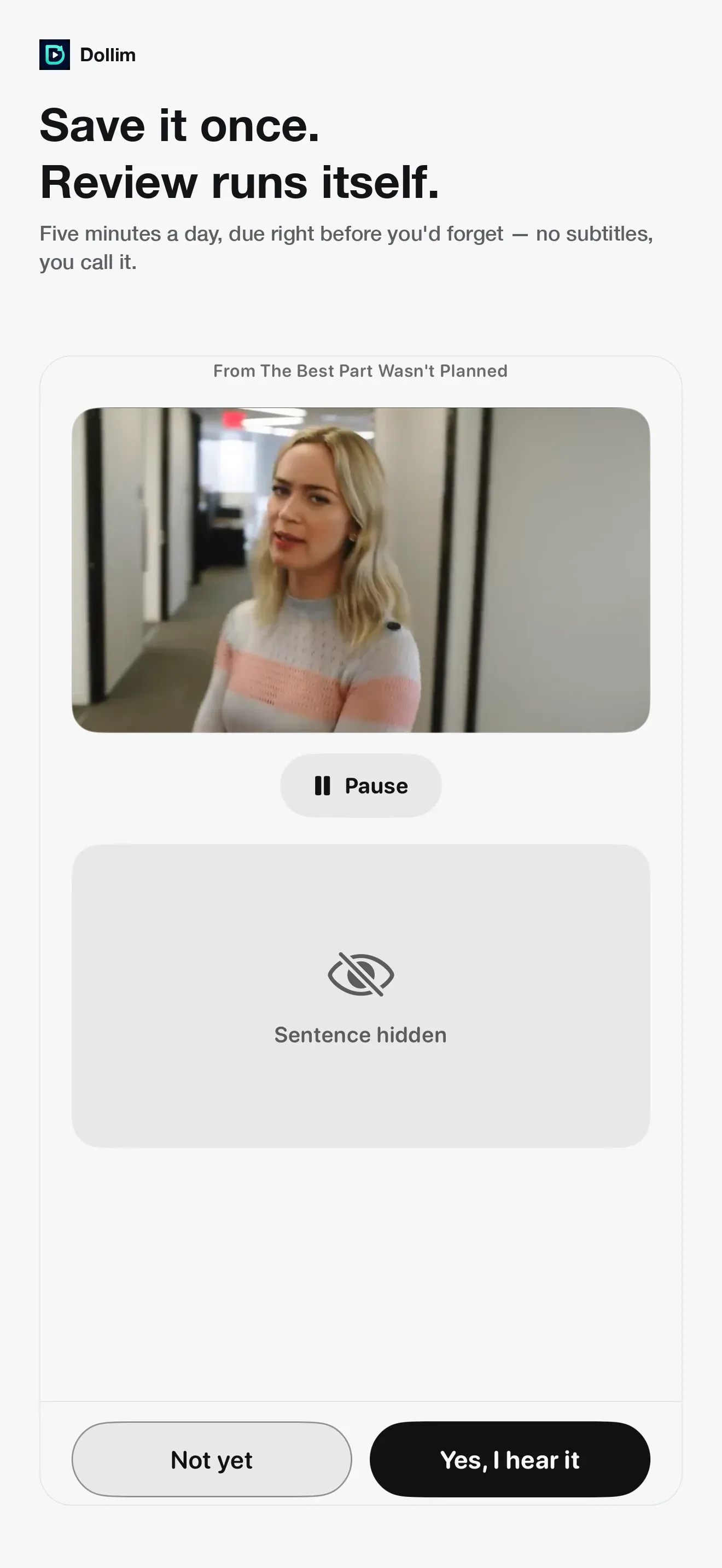
Saved lines review themselves
Save once and the home screen shows what is due today and how long it takes. Listen with no subtitles and call it yourself.
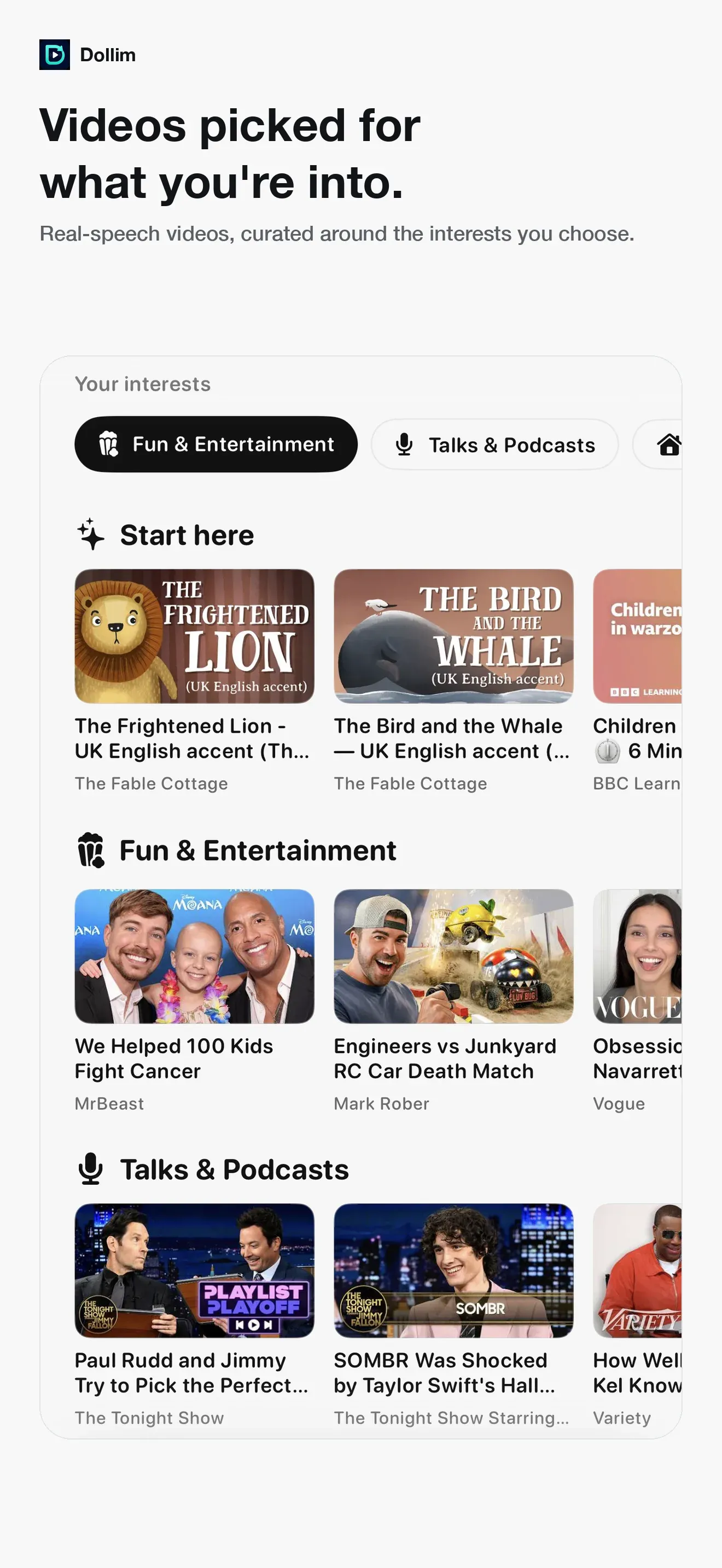
Videos picked for your interests
Pick your interests once and the Discover tab reorders around them, so you are not hunting for something to practice with.
Loop just the part you cannot catch
Set A and B down to a quarter second and slow to half speed with the pitch preserved. The base every drill stands on.
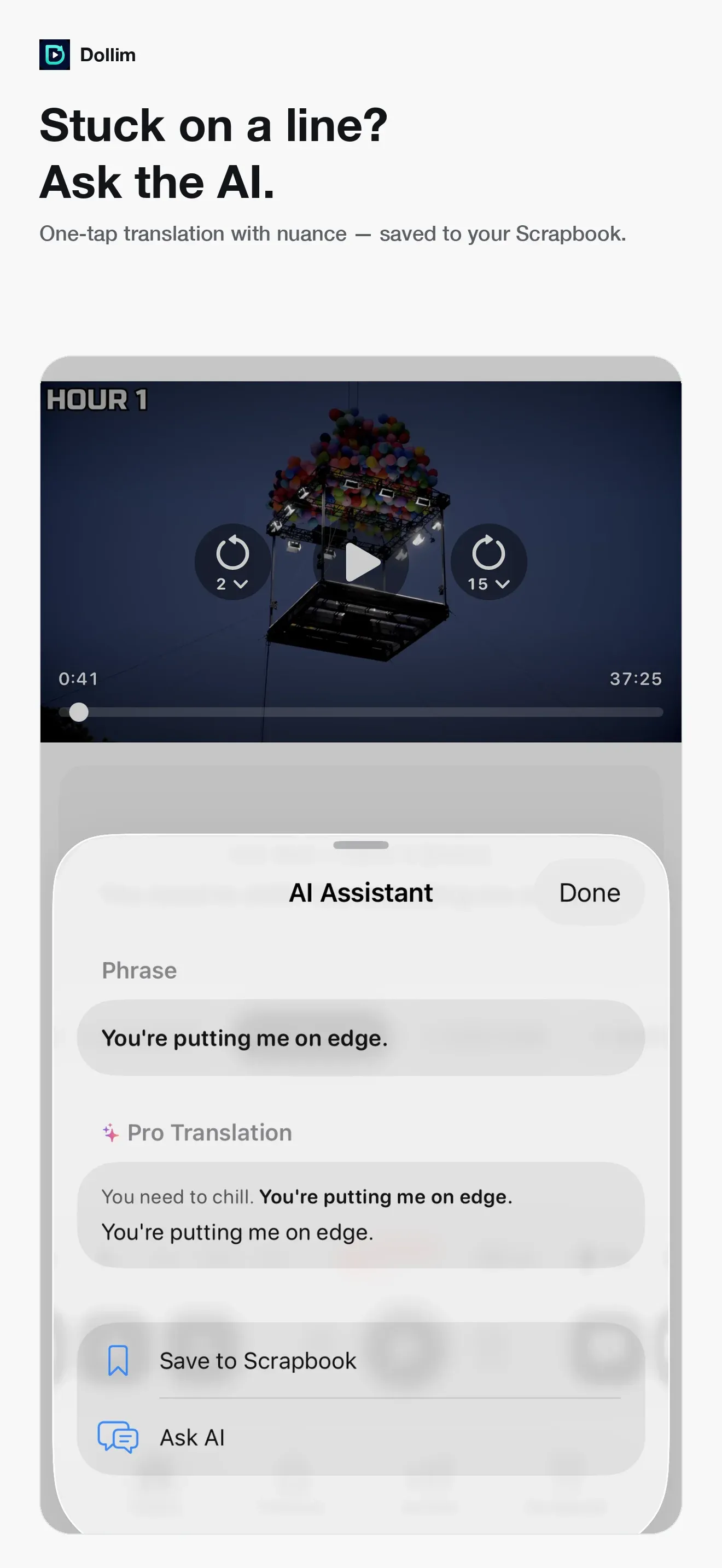
Stuck on a line? Ask the AI
Press and hold a caption for a translation with nuance, then ask a follow-up. Saved phrases collect in the Scrapbook in review order.
FAQ
- Is Dollim free?
- Yes. Listening drills and daily AI translation are free. Dollim Pro is a one-time purchase that removes ads and raises the AI translation allowance. No subscription.
- Do I need an account?
- No. Start right away with no sign-in.
- Can I check whether I actually heard it right?
- Yes. Dictation mode blanks out words in the caption for you to type back, so you find the exact word you missed instead of guessing.
- Does it work with YouTube and my own files?
- Both. Open a YouTube link, or bring your own audio or video file.
- Can it slow audio down without distorting it?
- Yes — down to 0.5× with the pitch preserved, so slowed speech still sounds natural.
- Does it score my pronunciation?
- No. Dollim lets you record and compare your take with the original by ear; it doesn’t grade or correct pronunciation.
- Which language does it teach?
- Drills and recommendations are built around English. Videos in other languages open wherever captions exist, but dictation and curation run deepest in English.
Shadow real speech, check it with dictation, keep it with review.
Found a bug or want a feature? Email me — I’ll do my best to get it into the next release.